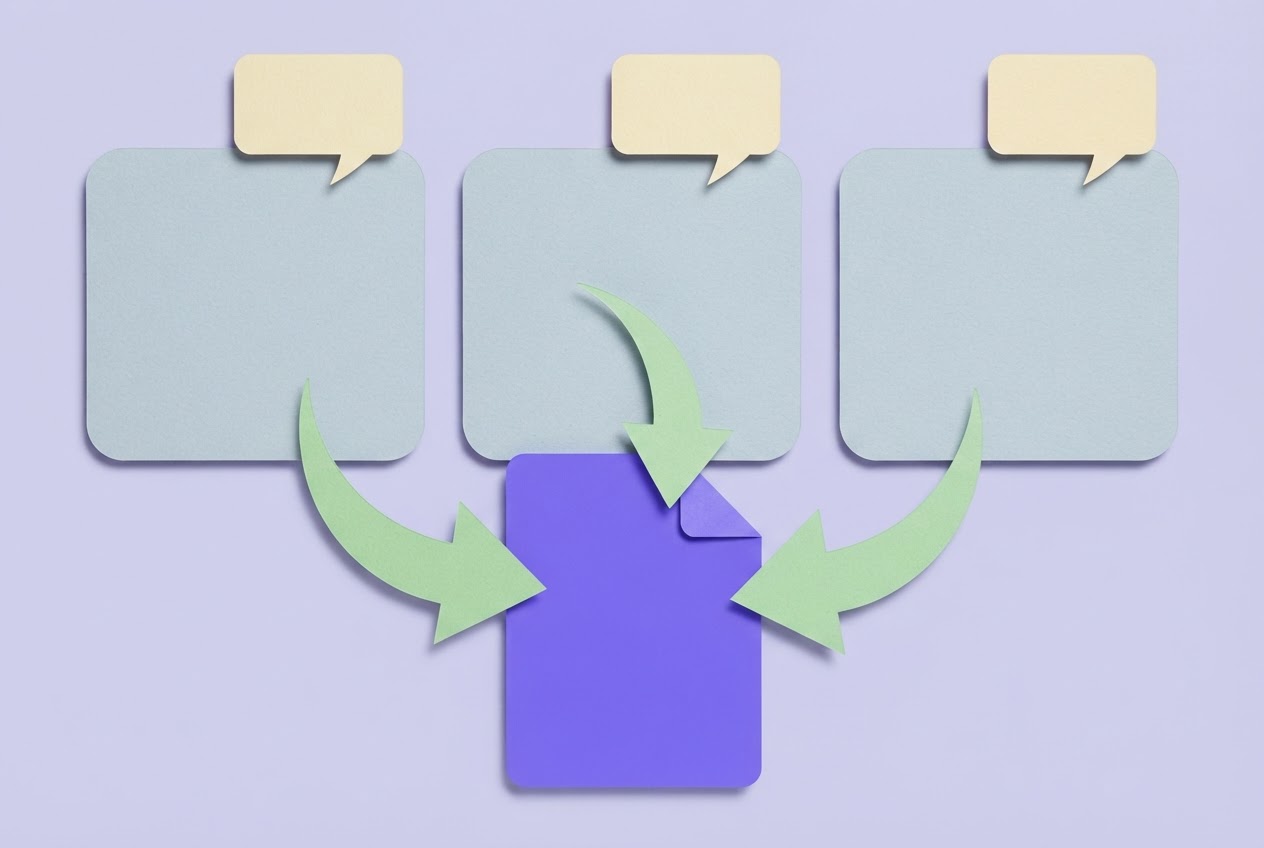

A tweet thread generator turns one founder idea into a full X thread only when it keeps a single argument running from the first line to the last post and leaves every draft under your control before anything goes live. Many tools can stretch a sentence into ten posts. Fewer keep the thread pointed at one claim.
What a tweet thread generator does with one raw idea
A generator takes a sentence or a paragraph and expands it into a hook, body posts and a closing post. All of them should serve the same argument. If the third post wanders to a new topic, the tool has produced a list of posts, not a thread.
The output is a sequence of separate posts rather than one long block, so each post has to stand alone while still moving the same point forward. A reader who lands on post four from a reply should understand it without scrolling up.
Good generators stop at the draft stage. They wait for your edits instead of offering to post automatically, and that pause is where your voice gets put back in.
How a tweet thread generator turns one idea into connected posts
Start with your one-sentence insight. Ask for a hook that states the payoff in plain language, then request body posts that each add one supporting point or example. OpenAI's prompt guidance recommends identifying the task clearly and providing context, preferred tone and style, so give the tool all three rather than a bare topic.
Consistency across posts comes from persistent instructions. OpenAI says GPT instructions guide tone, structure and decision-making, so keep a reusable voice note separate from the idea you're expanding this week.
End with a post that tells the reader what to do next, or asks a direct question that invites replies. Before you accept the draft, read the whole sequence out loud. If it stops sounding like one continuous thought, cut the post that breaks it.
How thread generators respect the 280-character limit
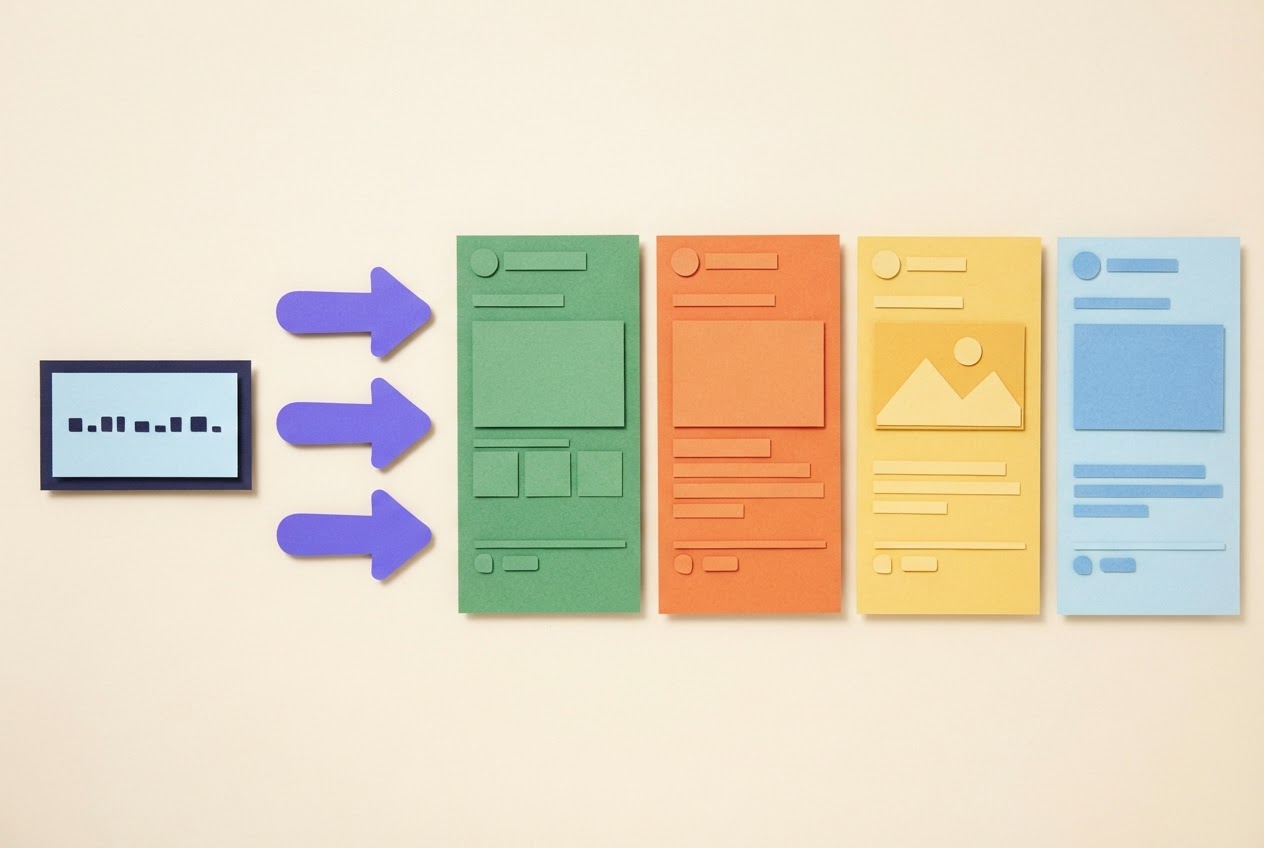
The generator has to split longer text into posts of 280 characters or fewer while keeping each one readable on its own. ThreadMaster is one tool that advertises this kind of automatic splitting.
Input style varies. ThreadCreator says users can write post by post or paste longer material for automatic splitting. Writing post by post gives you control over each break, while pasting is faster for a rough first pass.
Either way, check every post yourself. A tool can't know where you want a break for emphasis, so a split that is technically valid may still land mid-thought. Move the line breaks until each post ends on a complete idea.
Tweet thread generator options compared on voice and control
| Tool | Price | Thread and AI features | Control before publishing |
|---|---|---|---|
| ThreadMaster | $9 per month or $99 lifetime while the offer runs; no free tier | AI writes a thread from a topic; 15+ templates; plan includes 100 published X posts per month | Splits drafts into posts of 280 characters or fewer |
| ThreadCreator | Free, no login | Composer, auto-split, preview, engagement score, hooks, CTAs, templates, AI draft and AI review buttons (free with a small per-minute limit) | Drafts stay in the browser |
| OpenTweet | Pro $19.99/month ($15.83/month billed annually); Advanced $29 per month ($24.17 per month billed annually) | Threads of 2 to 25 posts; 10 AI generations per day on Pro, 50 on Advanced | Thread scheduler with optimal timing |
| HookPlaybook | See plans | Shows viral patterns in your niche, writes drafts in your voice, scores posts with the Viral check | Nothing goes out on X until you approve it |
The pricing gaps are real, but the control column matters more. A cheap tool that drafts fast still leaves you doing the voice work, so weigh preview, scoring and approval steps alongside limits.
Prompting an X thread creator so the result stays in your voice
Use this sequence with any tool.
- Paste your single idea as one sentence or short paragraph.
- Add one sentence describing the tone you normally use on X.
- Include one example of how you usually close a post.
- Ask for the same tone in every post, and ban generic phrases such as "game changer" or "mind blown".
- After the first draft, replace any sentence you wouldn't type yourself.
For example, a stiff line like "Let's unpack why onboarding matters" becomes "Most users quit before they see the value. Fix the first five minutes."
What to check before you publish a generated thread
Run this list on any output:
- Hook: does it state the payoff in your normal voice without promising reach?
- Body posts: does each carry one clear point and hand off smoothly to the next?
- Length: paste the thread into the X character counter to confirm every post fits.
- Score: run it through the Viral check for feedback, and read our guide to a free tweet checker for how to use the number.
- Edits: rewrite any post that feels off before you schedule or post.
Frequently asked questions
Can a tweet thread generator turn one idea into a complete sequence?
Yes, as long as it expands the idea into a hook, connected body posts and a closing post. The important part is that one argument runs through the whole thread. If the posts drift into separate topics, you have a pile of drafts, so trim them back to the original claim.
Which AI thread maker is best for preserving a natural voice?
The best one lets you add tone instructions, shows the full sequence before publishing, and doesn't force templates that erase your usual phrasing. Judge tools on those controls rather than on how many templates they list. Test each with the same idea and see which draft needs the fewest rewrites.
How do thread generators handle the 280-character limit?
They split longer text into separate posts of 280 characters or fewer. ThreadMaster describes this splitting as part of its workflow. You still review each post for readability and emphasis, because an automatic break can fall in an awkward place.
Can you edit, preview, score, or schedule a generated thread before publishing?
Often, yes. ThreadCreator lists preview and an engagement score, and OpenTweet describes a thread scheduler. Features differ by tool, so look for them before you commit. Whatever you choose, nothing should post until you have approved every post in the thread.
Does a viral score guarantee reach or engagement?
No. A score is feedback on the patterns a tool measured, and it never promises results on X. Use it to spot a weak hook or a muddy post, then edit. Reach also depends on factors no draft-stage number can see.
The generator that keeps your original idea intact
The thread generator worth using starts from your single idea, keeps one argument alive through every post, respects the 280-character limit, and returns full control to you before anything reaches X. Compare tools on those points rather than on template count or price alone. Once the draft sounds like you, your final edits and the approval step do the real protecting, and you can start drafting your next thread with HookPlaybook when you're ready.